Codecademy
What were your goals for this week?
my goals this week was to print out all the papers for the poster, glue them on and decorate it, also memorizing my script and finish the vector cat to put on the poster. Mostly just bpa things
What did you achieve this week in term of your goals?
This week i accomplished most of my goals. I finished vectoring the cat and I kept reading over the script till i eventually got it down. I printed out everything and finished my poster.
What problems did you have?
There were a few problems that were stressful. One of them being right when we got off the bus it was time to present, this was really stressful. The main problem was my group didn’t save the presentation video offline so we couldn’t present the video.
How did you fix those problems?
The problem of being in a rush was fixed by putting all our stuff down and getting there quickly, i also was re reading my script on the bus so I wouldn’t be as nervous. As for the video situation, not seeing it offline, we still had a good presentation and talked to the judge. We explained the poster and still kept professional despite the technical difficulties.
What’re your plans for next week?
Since we are done with bpa for now, my goals next week is most likely going to be more personal project. I have a lot of photos to edit. I have some photoshoots i took before break and I also have some shoots that I modeled in that I want to edit as well. I have photos from the art museum in new york that i still have to edit too. My goal for next week is mostly editing.
What projects did you work on this week?
This week I mostly focused on BPA. I printed everything out and glued it on the poster, i finished the vector cat on illustrator and printed it our and i glued that to the poster as well, i also memorized the script.
Post visual proof of the projects you were working on this week
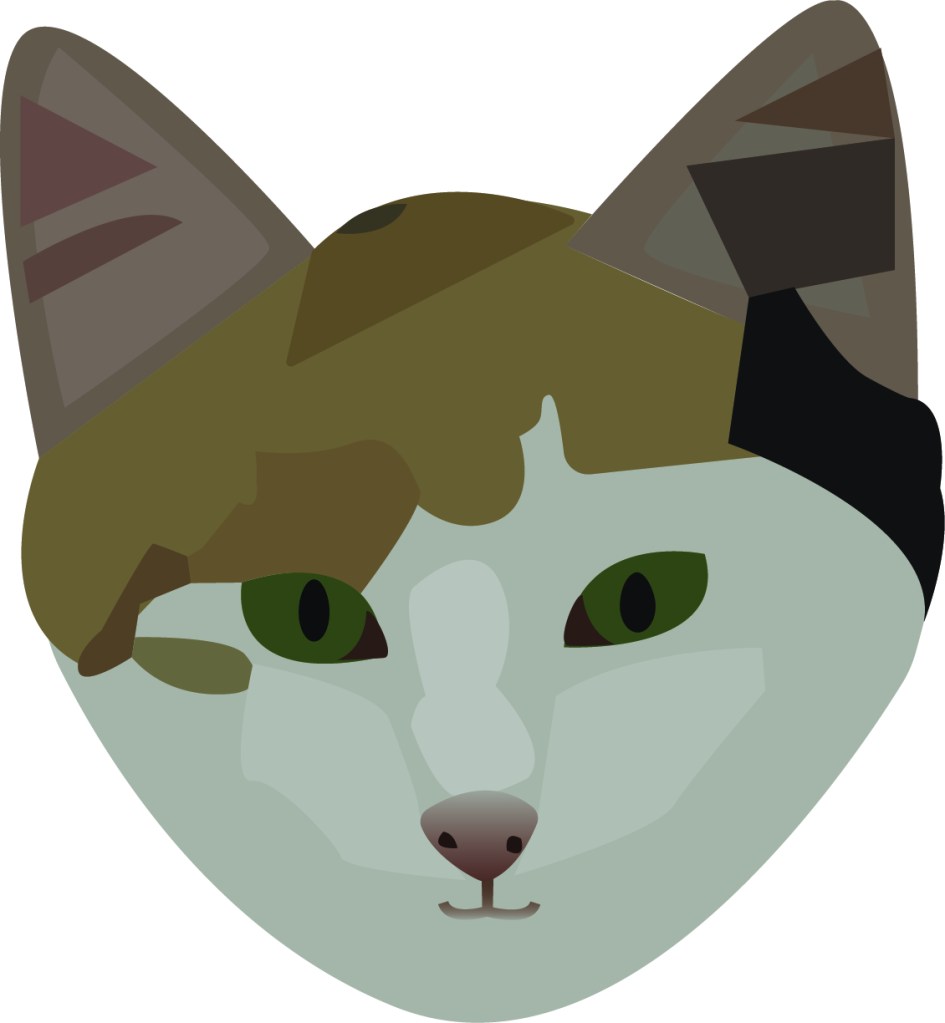
I didn’t take a picture of the poster itself so heres the vector cat
What were your goals this week for career pathways?
This week my goals were to research and start the bpa poster. I also wanted to start editing the photos I took before break and the photos I took in new york.
What did you achieve this week in terms of your goals?
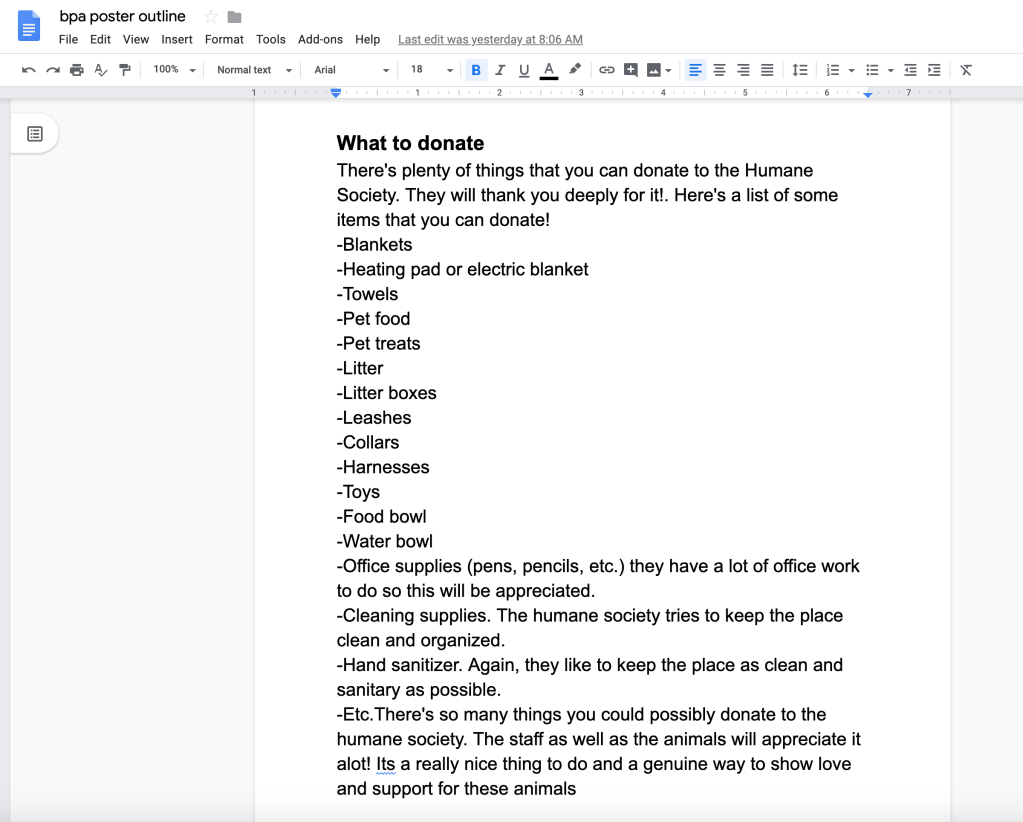
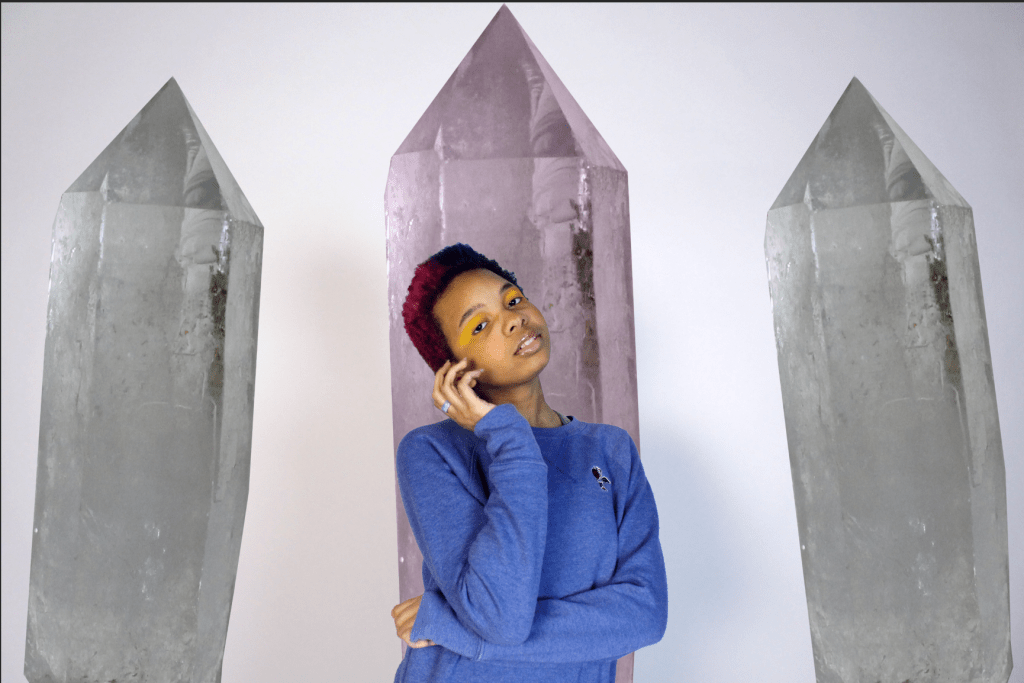
This week i achieved most of my goals. I did a bunch of research finding humane society statistics and i typed out different things to add onto the poster. I asked questions like what to donate, why to donate, how to donate, etc. Im going to buy the poster board after school today. I also started editing the pictures I took before break, i haven’t finished but i started. I also imported all the pictures i took from the art museum in new york. I also helped my friend by modeling for her for a photoshoot.
What problems did you have?
a problem i had was just trying to get back into the cycle of waking up early and back into the daily school routine, as well as trying to make this poster for bpa the best that I can for me and my group. Also photoshop didn’t save any of my work yesterday for some reason so I had to restart my editing.
How did you fix these problems ?
I fixed the poster problem by checking in with my group and making sure that everything is okay with them, i wanted to make sure they agree and like everything i put on the poster. I also did a lot of research and tried to make it really informative and pack it with a lot of different kinds of information about humane societies and animal cruelty. I fixed the problem of photoshop not saving my work by force quitting photoshop and restarting what I was working on, even though force quitting doesn’t save anything, I learned that now I need to save frequently when i’m working so if it crashes or freezes again then it’ll be saved.
What’re your plans for next week?
Next week i’m going to actually put the poster together. Im going to print all the info and glue it onto the poster board. I was also thinking of vectoring some little animals like cats and dogs so i can put it on the poster and make it not look as plain, try to catch their attention more and spice it up. Im also going to go through our bpa video and screenshot some pictures of the animals so i can print it and put it on the poster too. I also need to review and go over the script for next week. Aside from bpa, my goals are to edit edit edit. I want to finish editing the pictures I took before break, i also want to edit the pictures from the art museum. I might enter the google contest too.
What projects did you work on this week?
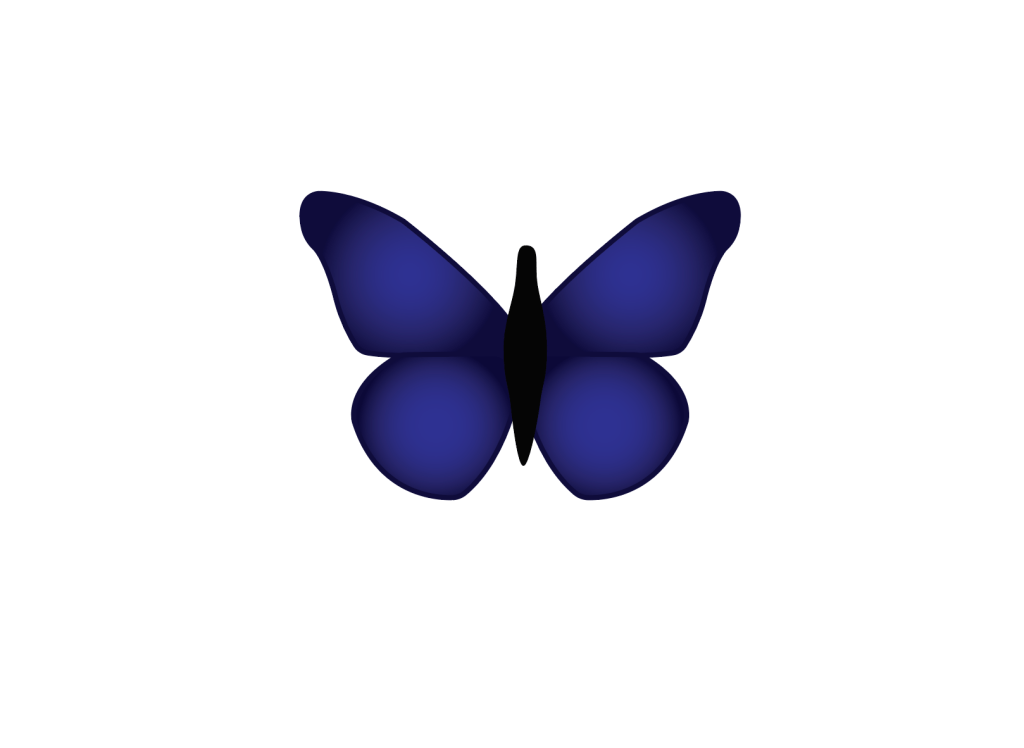
This week I worked on the bpa poster, I researched and typed everything on a google doc as well as create a work cited. I also started editing some pictures I took before break. I finished my vector butterfly and I helped my friend model for a photoshoot.
Post visual proof of the projects you were working on this week
What were your goals for this week?
My goals for this week were to look over and study the exam review guide and check out equipment to reshoot the interview for BPA. I also wanted to plan out more ideas for my personal video project. I was planning to take some photography pictures.
What did you achieve this week in terms of your goals?
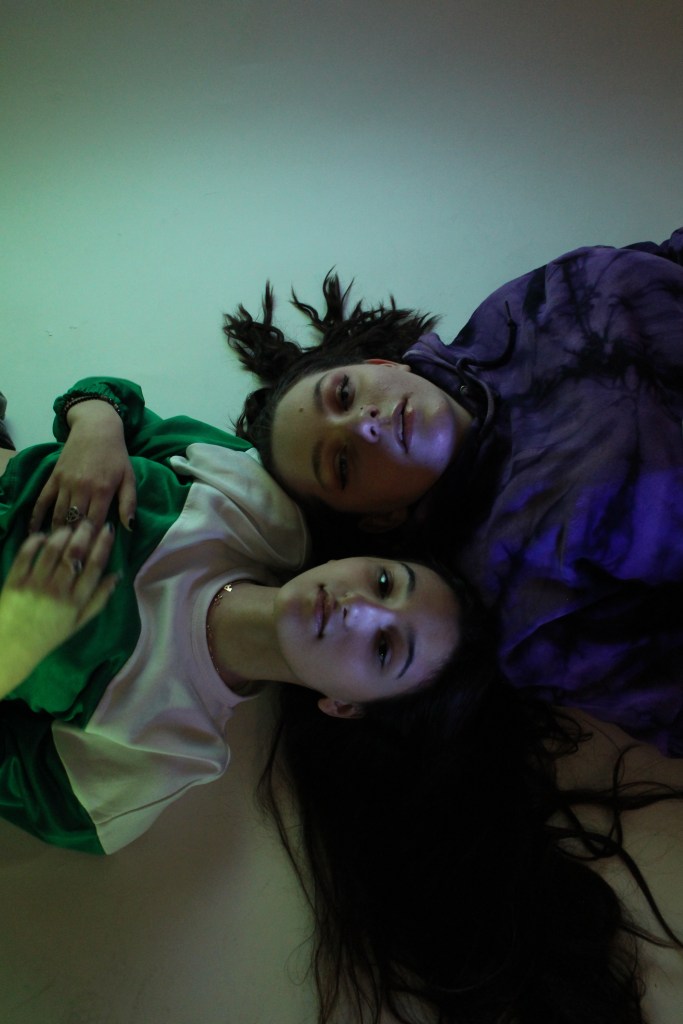
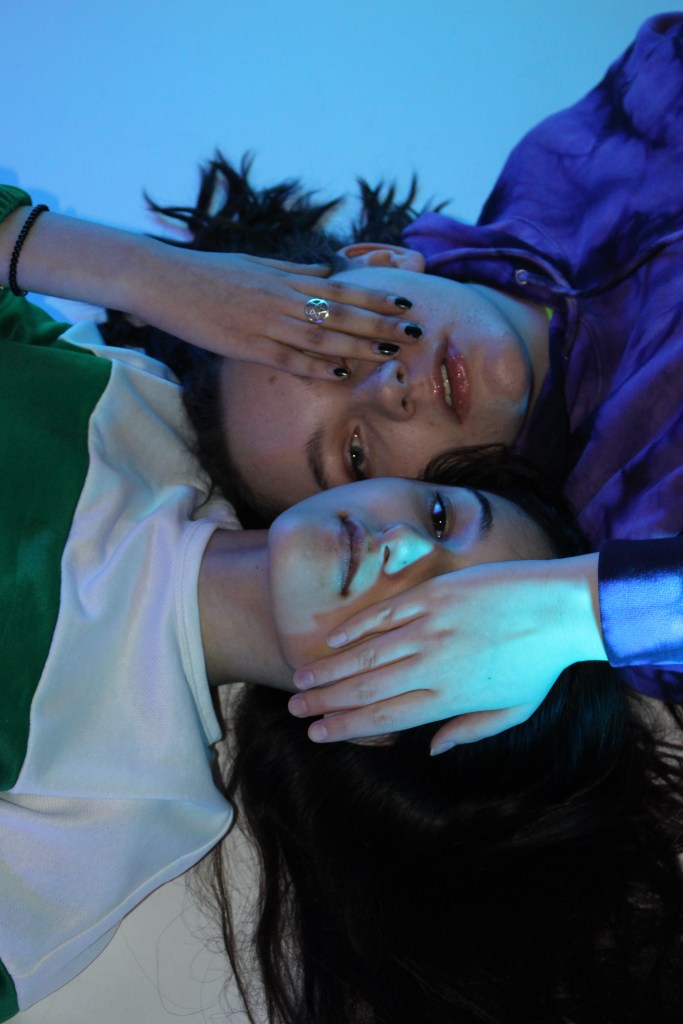
This week i achieved most of my goals. I looked over the exam review guide as well as check out the equipment. I didn’t get to shoot the interview though because the girl cancelled on me last minute and there wasn’t enough time to reschedule. I did get to plan my video more and i also got to take some photography pictures as well as help my friends by modeling for them.
What problems did you have?
The main problem I had was not getting the interview in. I also had this really cool photoshoot planned out but since I wasn’t here friday i sadly didn’t get to do it.
How did you fix these problems?
I didn’t really get the chance to fix them. i did talk to my BPA group and told them I couldn’t get the footage. I also didn’t get to do the photoshoot I planned out but its okay
What’re your plans for next week?
my plans for next week mostly consists of studying for the exam and looking over the review guide. Also I plan on photoshop and editing the pictures I took and was a model in. I am also working on a vector butterfly in illustrator to use it in some of the pictures so I plan to finish that.
Post visual proof of the projects you were working on this week
1.What were you goals for this week?
My goals this week was to sign out equipment and film the interview for BPA. Another goal was also editing some of the abstract photos over break
2.What did you achieve this week in terms of your goals
I achieved all my goals this week. I signed out a camera, tascam and boom mic. I went over to my friends house yesterday and filmed the interview video for bpa. I also edited some of the abstract pictures on photoshop and posted them. I also started roughly planning out some ideas i have for my youtube channel, a personal video project thing with different series and stuff this week, which i thought i wouldn’t be doing or planning out for a while, but i wrote down all my ideas i have for it in my sketchbook.
3.What problems did you have?
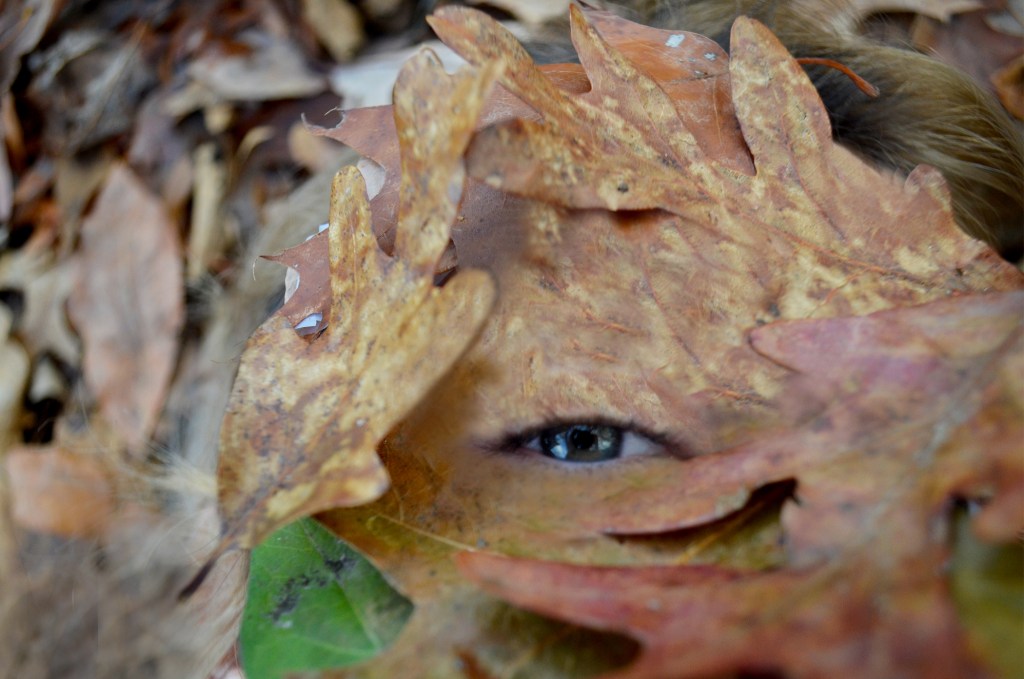
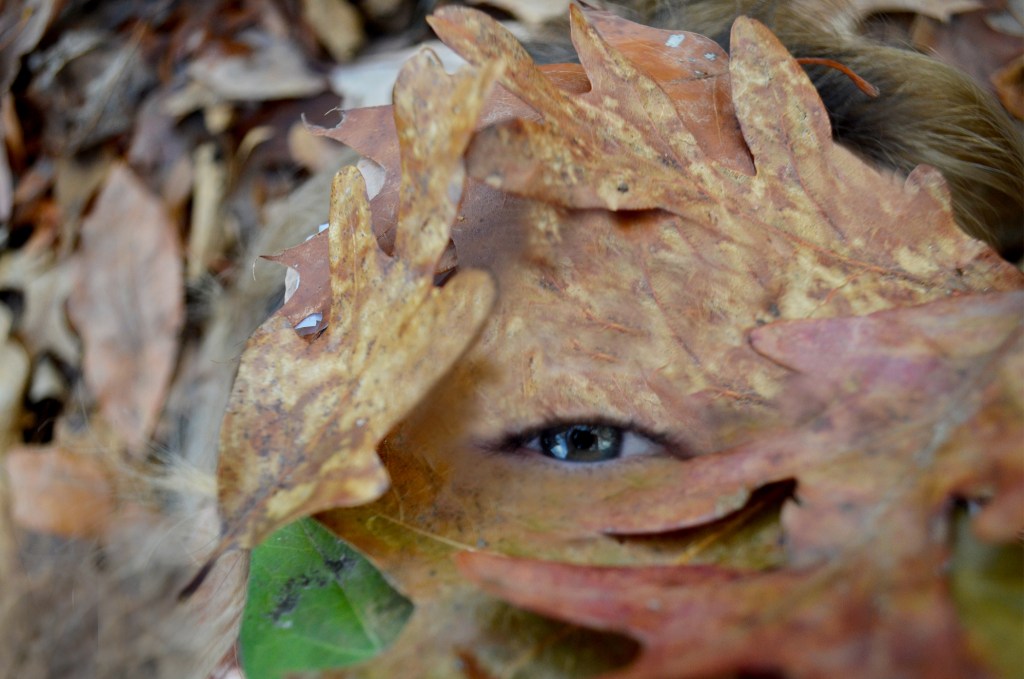
A problem I had was yesterday trying to figure out how to use all the equipment, I never used a tascam or boom mic before and no one really showed my how to do it so I tried to figure it out on my own. I was trying to figure out what chord/wire to use to to connect the tascam to the camera, till i finally realized that you dont connect it with a wire. Once i figured that out i still never ended up to get it actually working. Another problem I had was just editing the abstract photography pictures, I wanted to make her look like her skin was made of tree bark and i couldn’t figure out how to make it realistic or look good.
4.How did you fix these problems?
I fixed the tascam problem by texting my group and asking them, as well as watching some videos and just using common sense, even though in the end i didn’t get it to work I still learned a lot and fixed some of the problems I was having. I fixed the photography pictures by switching my idea a bit, instead of making her have tree skin i made it look like she has leaf skin, and instead of using the smudge tool I used the clone stamp tool and lowered the opacity.
5.What’re your plans for next week?
Next Monday or just sometime next week I want to re shoot the interview because the audio didn’t turn out good and I didn’t get all the footage I wanted. I also want to maybe shoot more pictures this weekend so I can edit them next week during the week, if not then i’ll just edit the pictures I already have. Next week I also want to plan out more of the video project idea i’m doing. I also want to watch some tutorials for illustrator so I can get better at it snd learn some new teqniques and stuff. Next week i’m probably also going to look over the review guide and study for the midterm.
6. What project(s) did you work on this week?
This week I worked on BPA, I also worked on the abstract photography pictures I took over break by editing them. The other project I worked on was brainstorming, planning and writing my personal video project ideas.
7. Post visual proof of the projects you were working on this week
I also filmed the video but since its un edited, super long and not really good I don’t want to post it, its not my best work. I also have a lot of things written out in my sketchbook but since its my personal video project I don’t want to really post a picture of it but I can let you come glance at my sketchbook if you need proof still.
Have a WordPress.com account? Log in now.

